
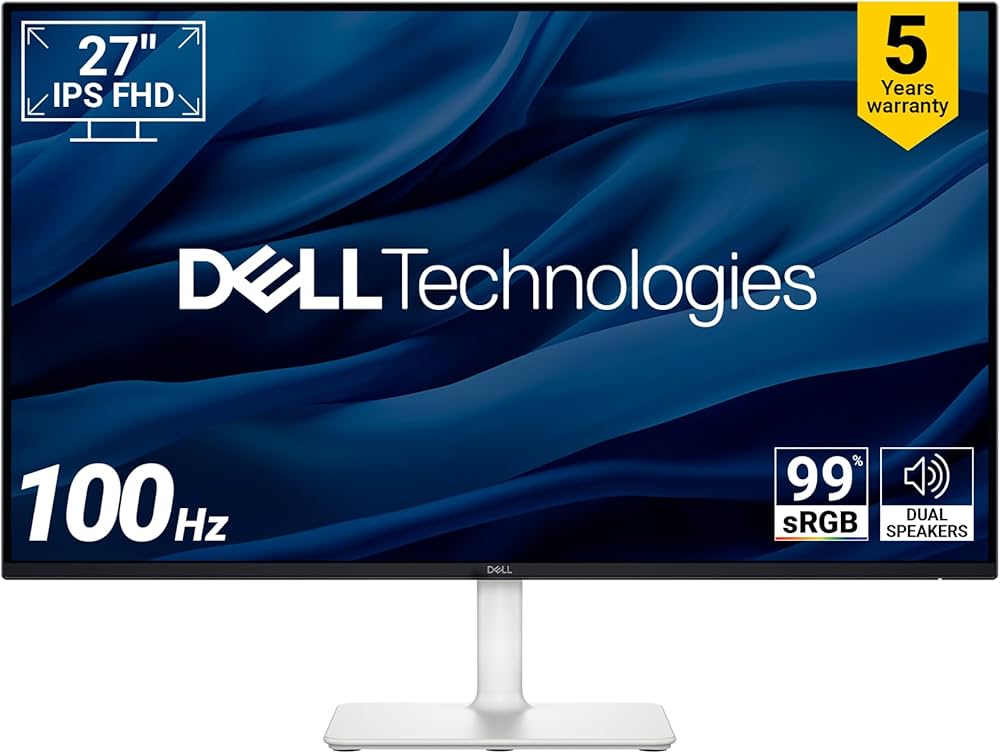
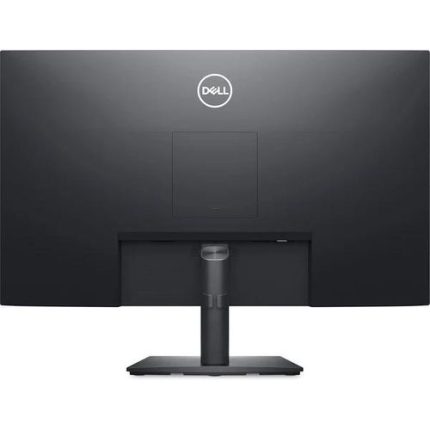
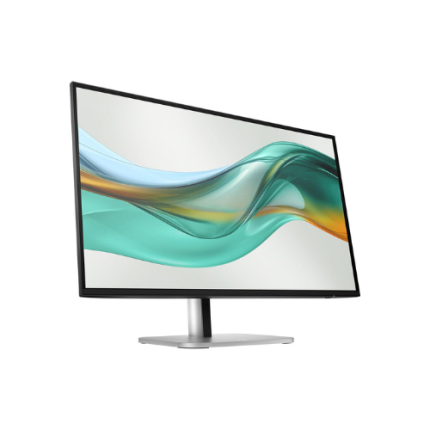
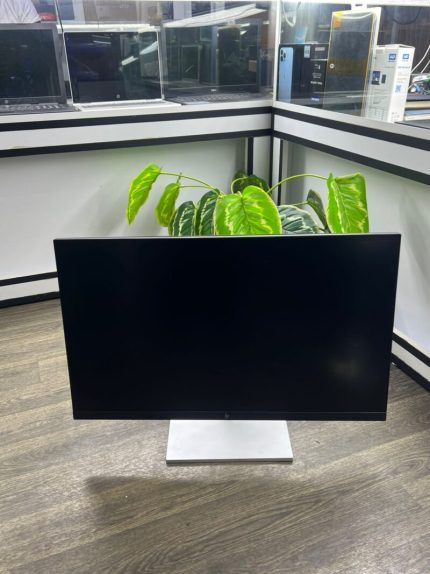
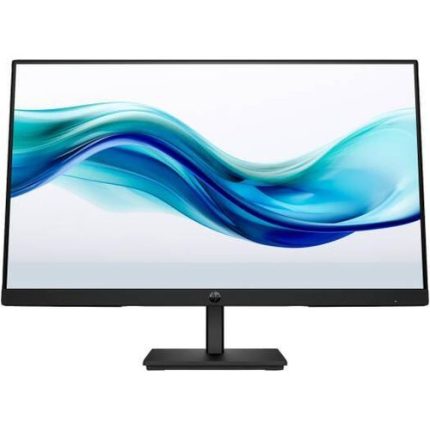
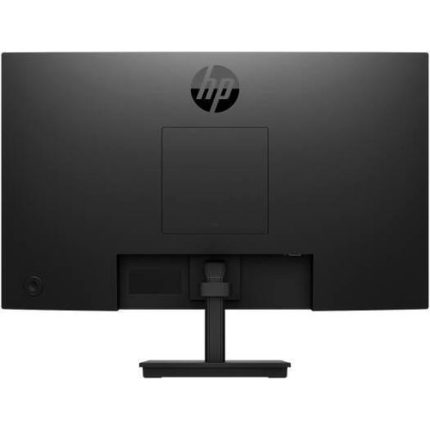
Dell P2725HE USB-C Monitor: Dell Pro 27 Plus FHD USB-C Hub Monitor – P2725HE, 4-Way Adjustability (Height/Tilt/Swivel/Pivot), Black and Silver Color
KSh 39,000.00
- 27-inch Full HD IPS display at 100 Hz
- USB-C with up to 90W power delivery
- Built-in 1GbE Ethernet port
- DisplayPort 1.4 out with daisy-chain support
- Four-way height, tilt, swivel and pivot stand
Dell P2725HE USB-C Monitor: Dell Pro 27 Plus FHD USB-C Hub Monitor – P2725HE, 4-Way Adjustability (Height/Tilt/Swivel/Pivot), Black and Silver Color
The Dell P2725HE USB-C Monitor is a 27-inch Full HD IPS display that doubles as a complete connectivity hub. One USB-C cable delivers video, data and up to 90W of power to your notebook. The Pro 27 Plus design also adds Ethernet, daisy-chaining and a four-way adjustable stand. It is an ideal partner for modern business laptops and hybrid workplaces.
Dell P2725HE USB-C Monitor Product Details
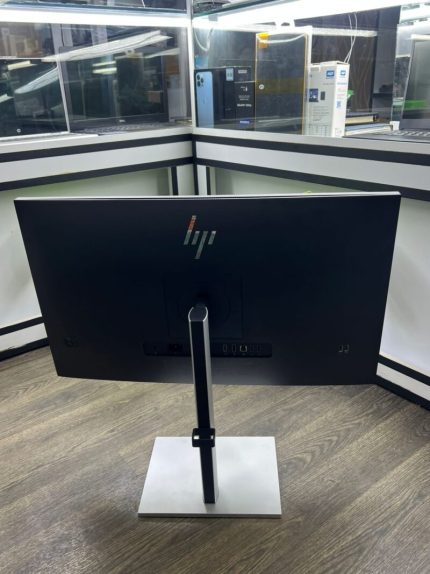
This is a 27-inch Full HD monitor from the Dell Pro Plus range. It uses an IPS panel with a 100 Hz refresh rate and an anti-glare surface. The stand offers height, tilt, swivel and pivot adjustment, finished in black and silver.
A built-in hub brings USB, Ethernet and display-out ports to one tidy connection point. Use a certified USB-C cable to link your notebook.
Dell P2725HE USB-C Monitor Technical Specifications
Review the full technical specifications below, and extend your network reach with quality network cables.
- Model: Dell Pro 27 Plus P2725HE
- Screen size: 27 inches (68.6 cm), 16:9
- Panel: IPS with white LED backlight
- Resolution: 1920 x 1080 Full HD
- Refresh rate: up to 100 Hz
- Response time: 5 ms (fast mode), 8 ms (normal mode)
- Brightness: 300 cd/m² typical
- Contrast ratio: 1500:1 typical
- Colour support: 99% sRGB
- Viewing angle: 178° horizontal and vertical
- Surface: anti-glare with 3H hardness
- Eye comfort: ComfortView Plus, TÜV 4-star certified
- Stand: height, tilt, swivel and pivot adjustable
- Video ports: 1 HDMI 1.4, 1 DisplayPort 1.4 in
- Daisy chain: 1 DisplayPort 1.4 out with MST
- Network: 1 RJ45 Ethernet port, 1GbE
- USB-C upstream: 1 USB 3.2 Gen1 Type-C (Alt mode with DP 1.4), up to 90W power delivery
- USB downstream: 3 USB 3.2 Gen1 Type-A
- USB-C downstream: 1 USB 3.2 Gen1 Type-C, up to 15W power delivery
- Colour: black and silver
Why the Dell P2725HE USB-C Monitor Stands Out
Several practical strengths make this display a smart choice for work and study. Here is what sets it apart.
Crisp IPS Visuals and Eye Comfort
The IPS panel keeps colours consistent from almost any seating angle. A 100 Hz refresh rate gives smoother scrolling than 60 Hz screens.
ComfortView Plus helps reduce blue light and earned TÜV 4-star eye comfort certification. Pair it with a precise wireless mouse for effortless navigation.
USB-C Power and Single-Cable Docking
A single USB-C upstream port carries video, data and up to 90W of power. Your laptop charges while it drives the display. That reduces desk clutter and speeds up daily connections.
Keep a spare laptop charger at the office for backup.
Gigabit Ethernet and Daisy Chaining
The built-in RJ45 port provides wired 1GbE networking through the same USB-C cable. A DisplayPort 1.4 output with MST lets you daisy-chain a second monitor.
Three Type-A ports and one extra Type-C port handle peripherals. Expand wired access with a managed network switch.
Four-Way Ergonomic Comfort
Height, tilt, swivel and pivot adjustment help every user find a healthy posture. Portrait orientation suits long documents and code. The slim-bezel design also keeps dual-screen desks looking neat.
Add other ergonomic accessories for all-day comfort.
Use Cases for the Dell P2725HE USB-C Monitor
This versatile display fits many environments. Here are the people who benefit from it most.
Hybrid and Hot-Desking Offices
Employees can dock a notebook with one cable and start working immediately. Shared desks stay tidy because the monitor supplies power, network and USB ports.
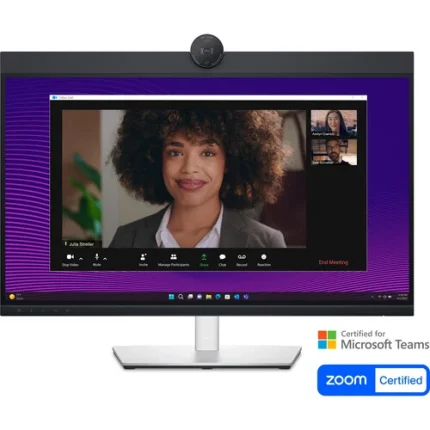
IT managers value consistent setups that reduce support requests. Meeting rooms can add video conferencing equipment easily.
Remote Workers and Developers
Developers can keep code, terminals and documentation open in portrait orientation. A stable wired connection helps during video calls and large file transfers. The monitor supports multi-OS environments, including Windows and macOS.
Travelling staff can carry a compact USB-C adapter for a quick setup elsewhere.
Finance, Education and Customer Service Teams
Accountants and analysts compare spreadsheets and reports side by side. Schools and colleges can standardise on one reliable, easy-to-manage display.
Call centres benefit from the clear, low-flicker picture during long shifts. Supply each desk with dependable licensed software.
Why Buy the Dell P2725HE USB-C Monitor at Avidik Ventures
Avidik Ventures supplies original IT equipment to businesses, schools and individuals across Kenya. Each monitor is checked carefully and supported by responsive after-sales service. Our specialists recommend compatible cables, docks and accessories, and we arrange reliable delivery. Customers return to us for transparent advice and consistent quality. Place your order through our website today, or review our delivery information first. Upgrade your workspace with Avidik Ventures now.












Reviews
There are no reviews yet.